Place Pilot

A Better Guest Experience

Everything you need to create, share and manage digital guidebooks.

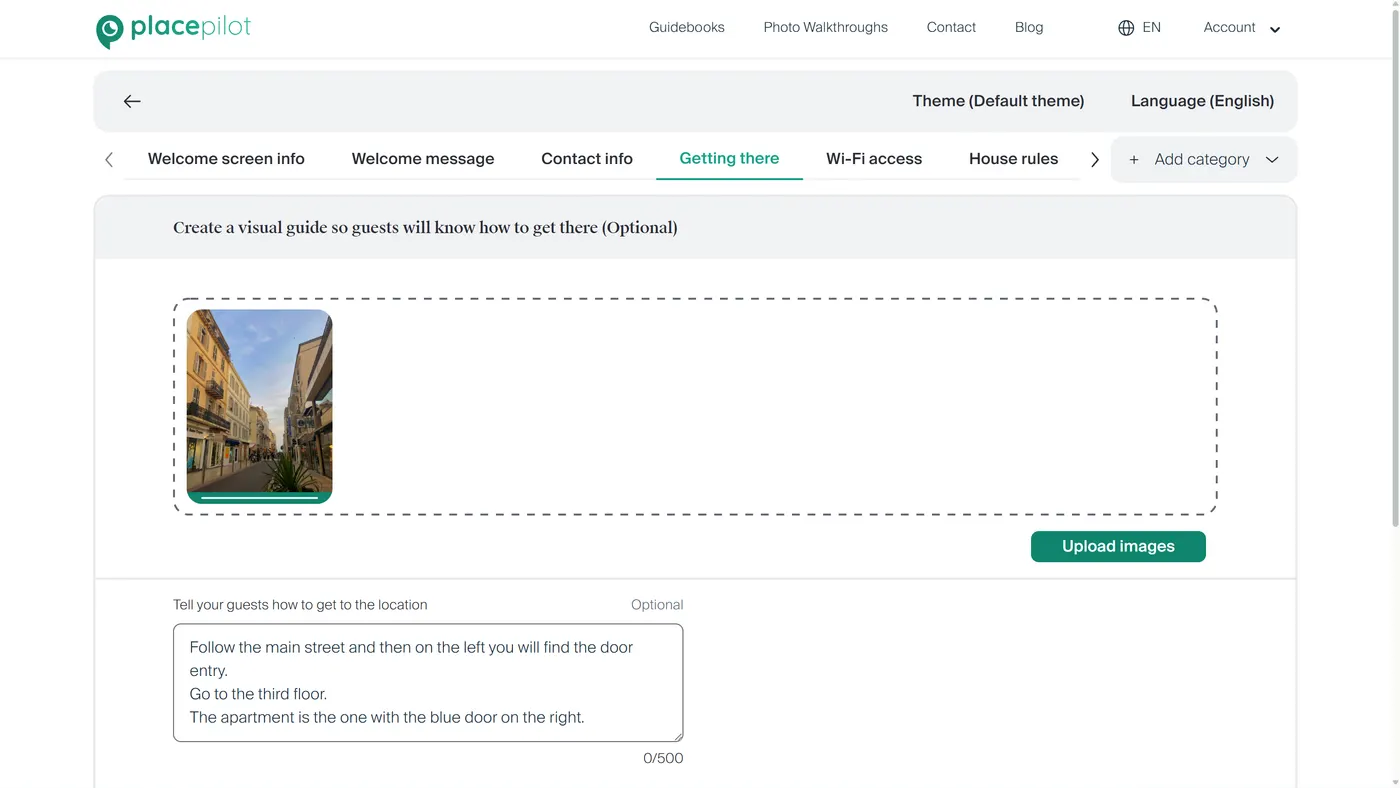
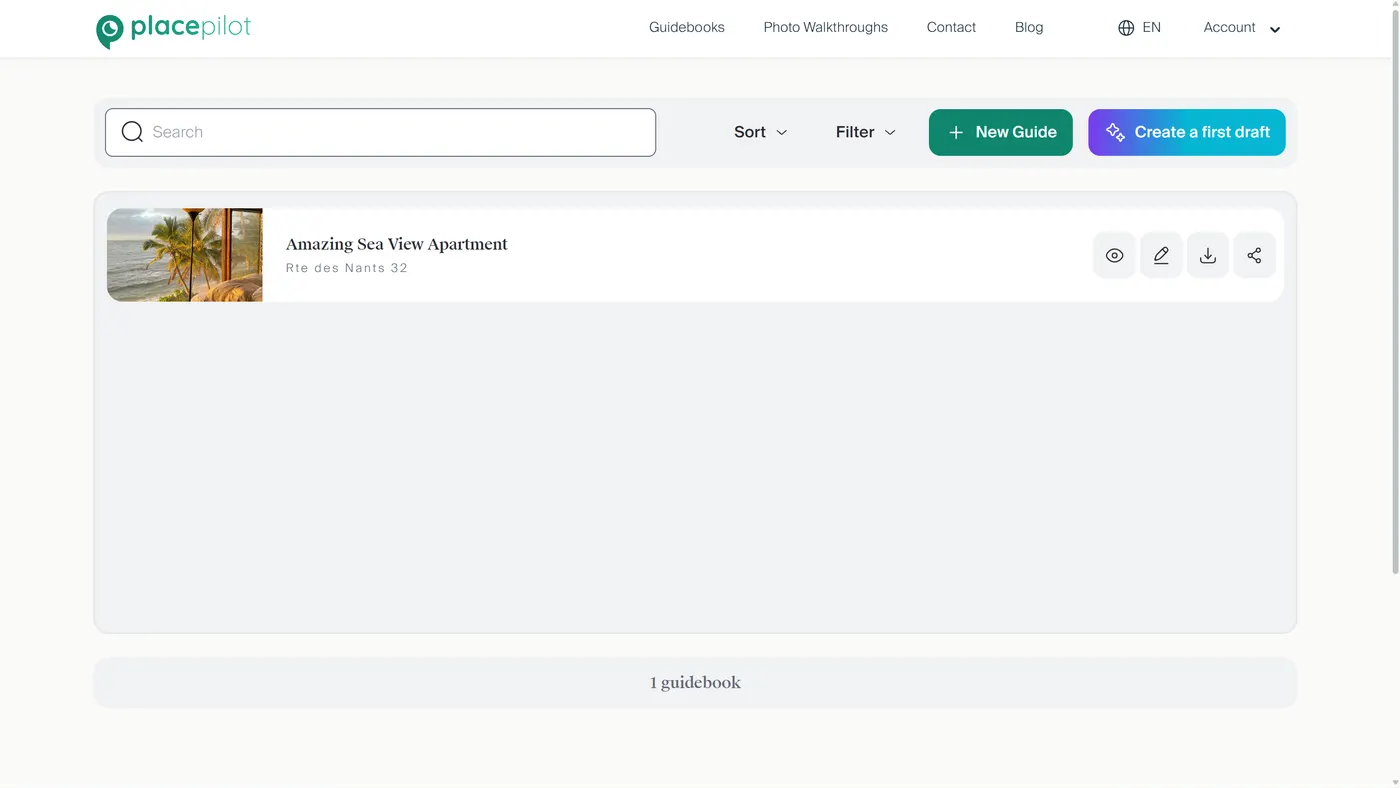
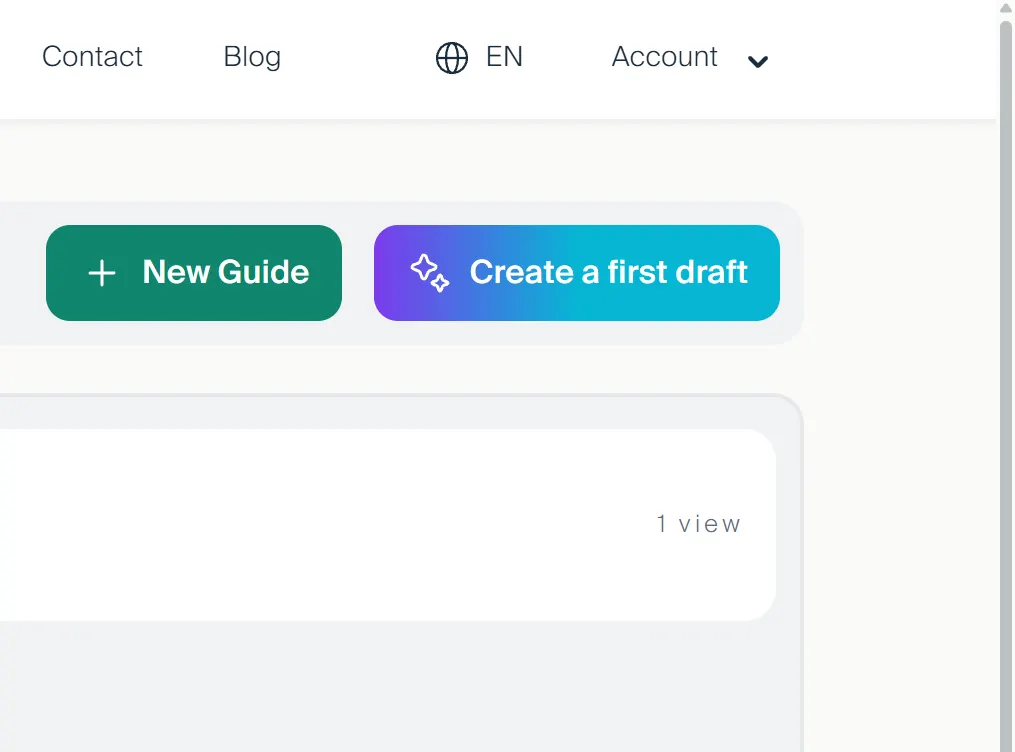
Main dashboard view

Easily Publish and Share your Guidebook.

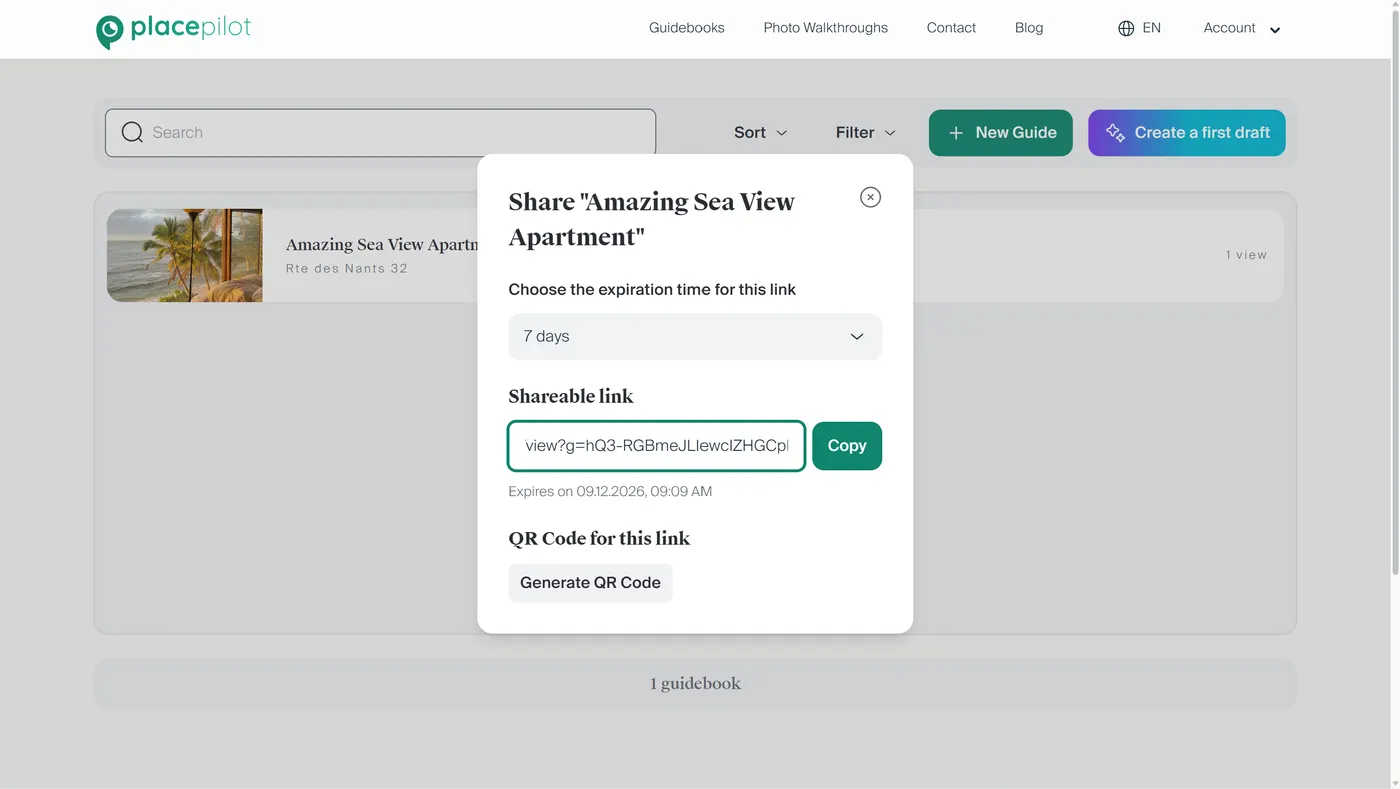
Sharing the guidebook is done using the share button in the main dashboard. The button is available for published guidebooks only.

Publishing guidebooks is possible in the free trial period (15 days). Once the trial ends you need a subscription for them to remain published. Check out our blog post on how to create a guidebook:

Guidebook creation

Works on any Device with no App to Download.

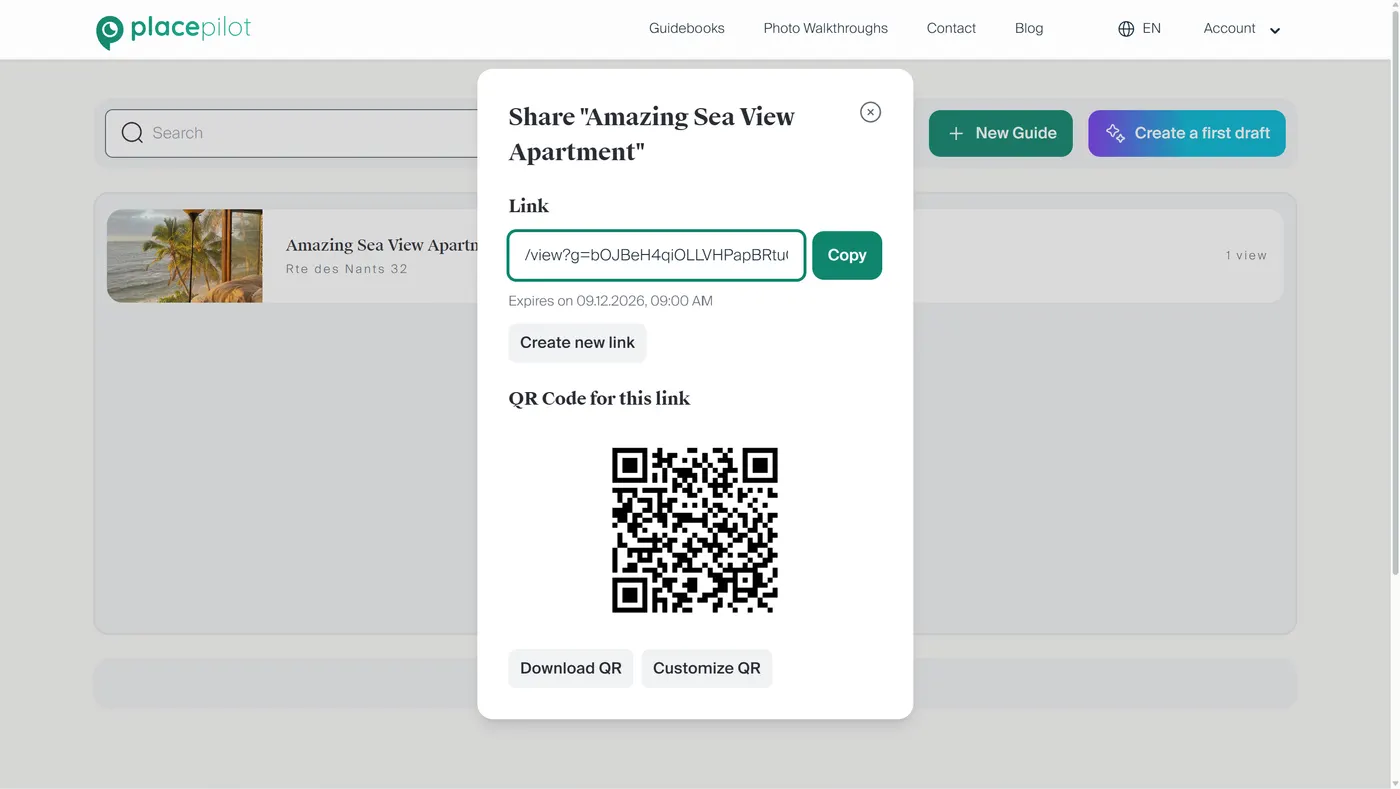
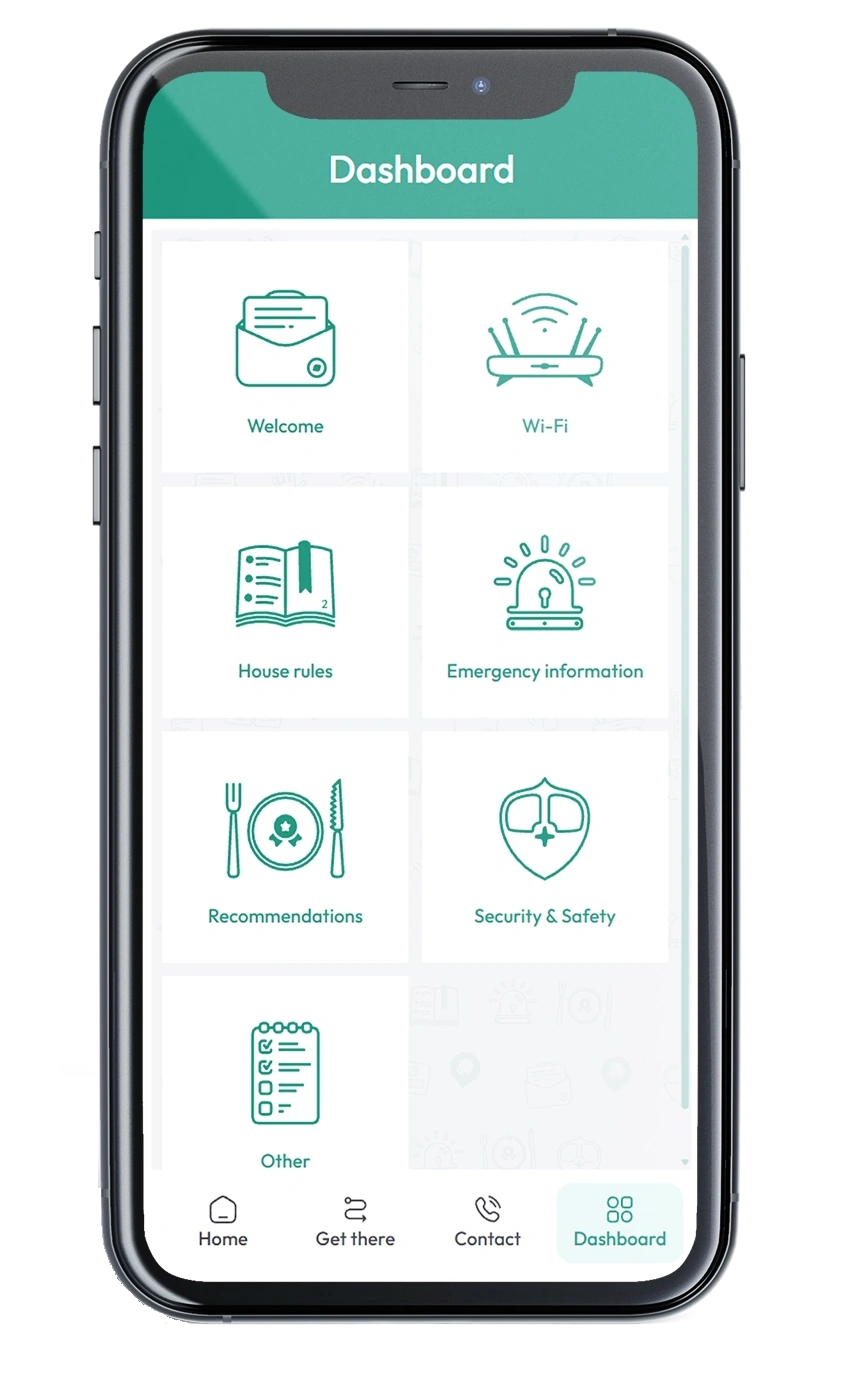
Guests access your interactive guidebook instantly via link or QR code.

No sign-up is required for your guests, so they can open the guidebook and get informed about your property. See how a guidebook looks in a live demo; open it on mobile and desktop to get a feel of what the guests would see depending on their device:

View demo

Share guidebook window
Multi-language feature

Supports Multiple Languages.

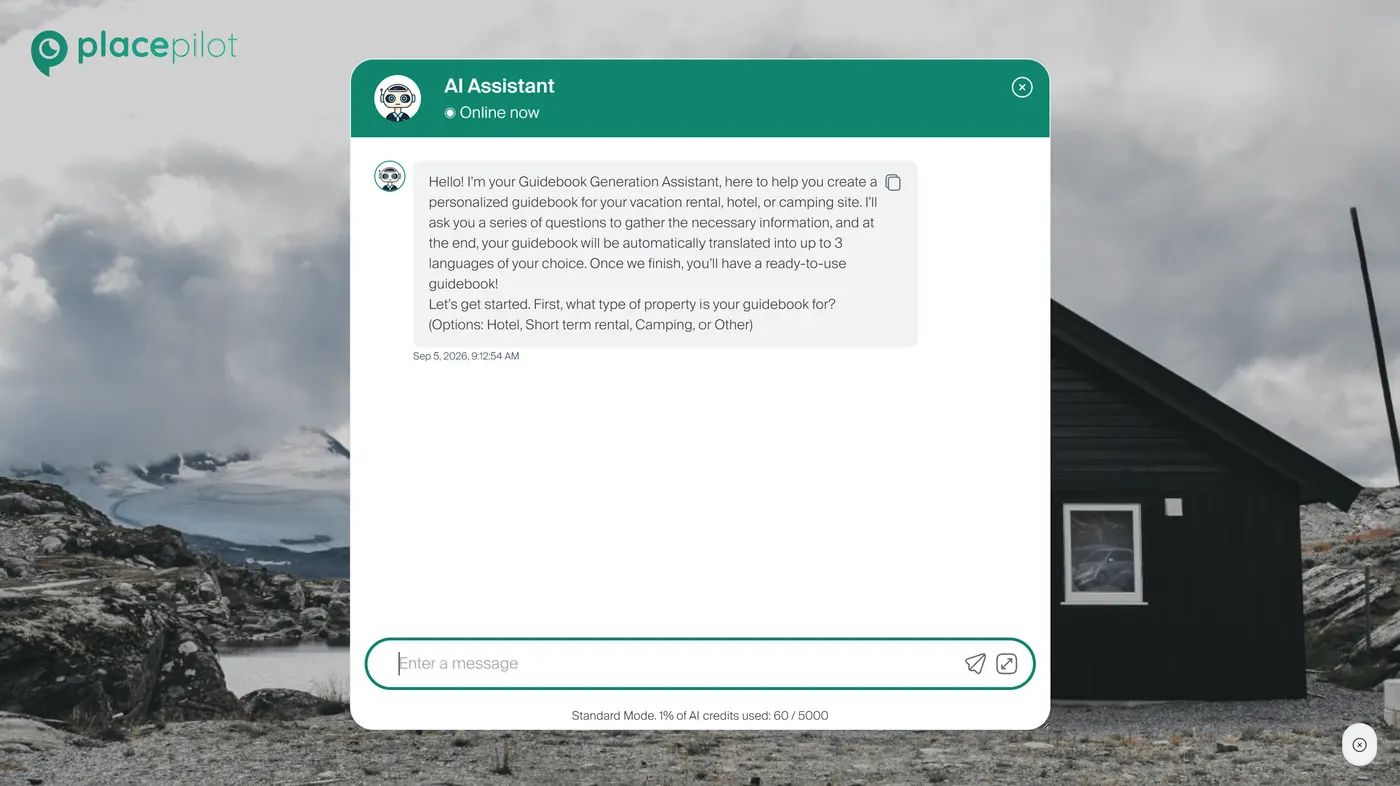
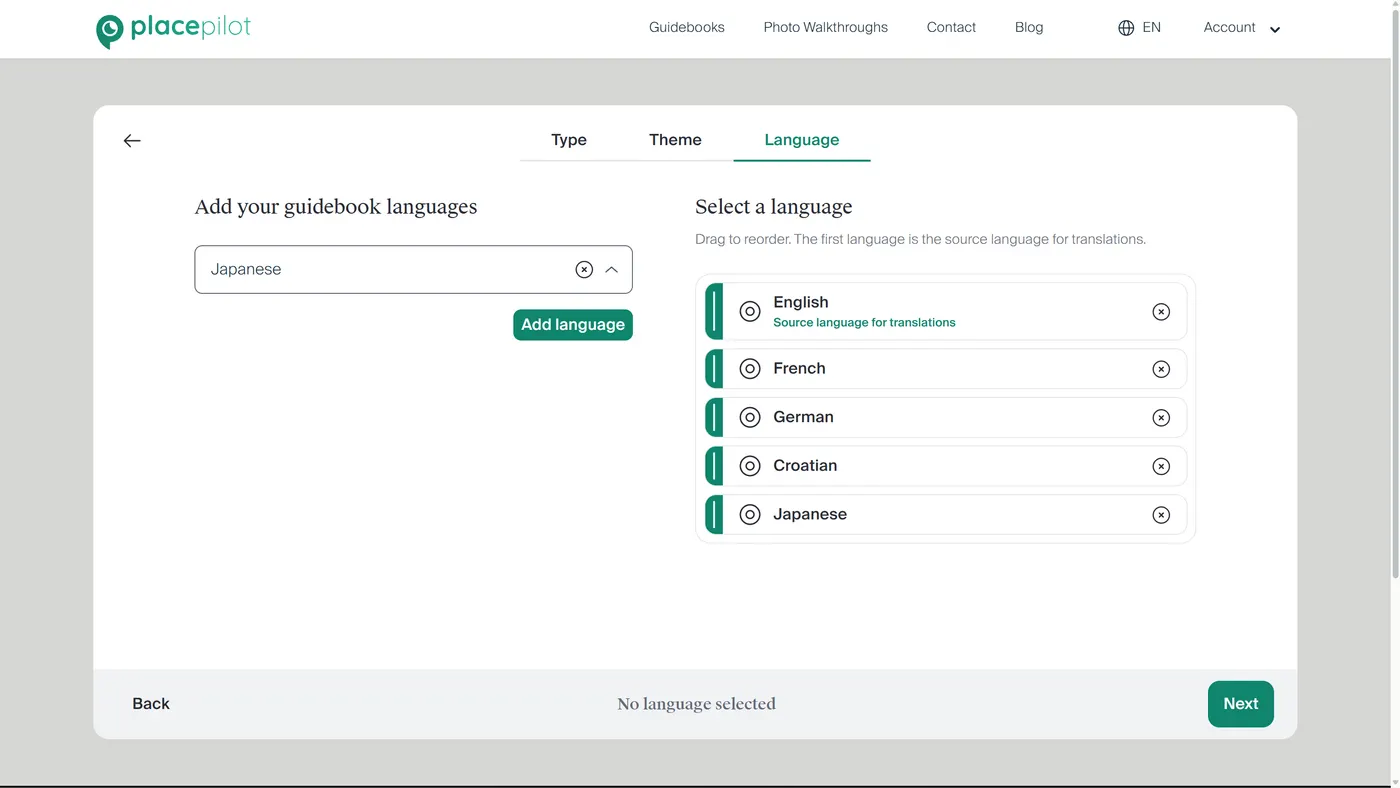
Reach a global audience by offering your guidebooks in multiple languages. Use the guidebook wizard to add and manage languages so every guest can read house rules and recommendations in their preferred language.

Language selector

Guests can Select their Language

When viewing the guidebook, the language selector is in the top right corner. The list contains all the languages that were added during guidebook creation.

The default language is selected based on the guest's language on their device.

Theme selection

Theme Selection

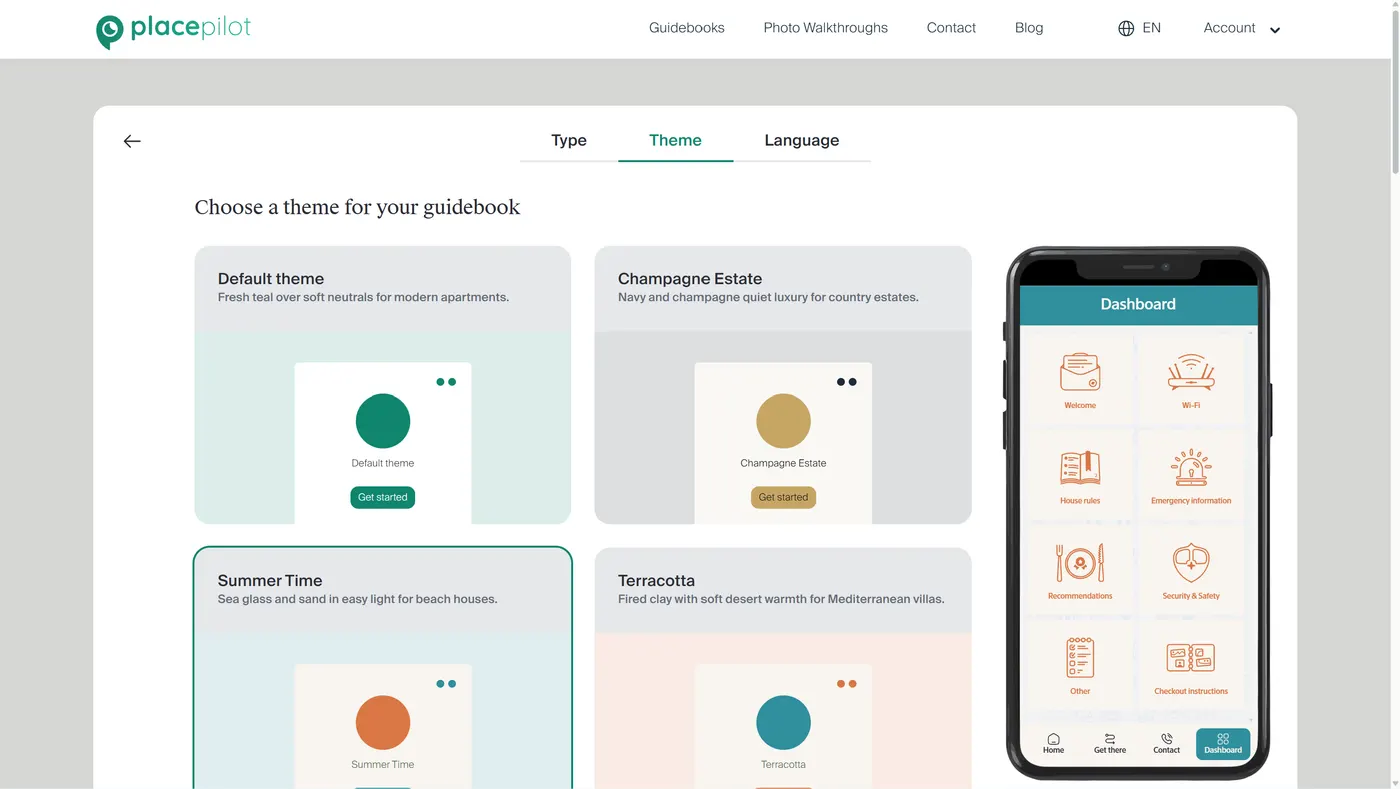
Customize your guidebook's look and feel with a variety of themes.

The available themes are default, ocean, dark, forest, mountain and urban.

Branding

Branding and Welcome Screen Setup

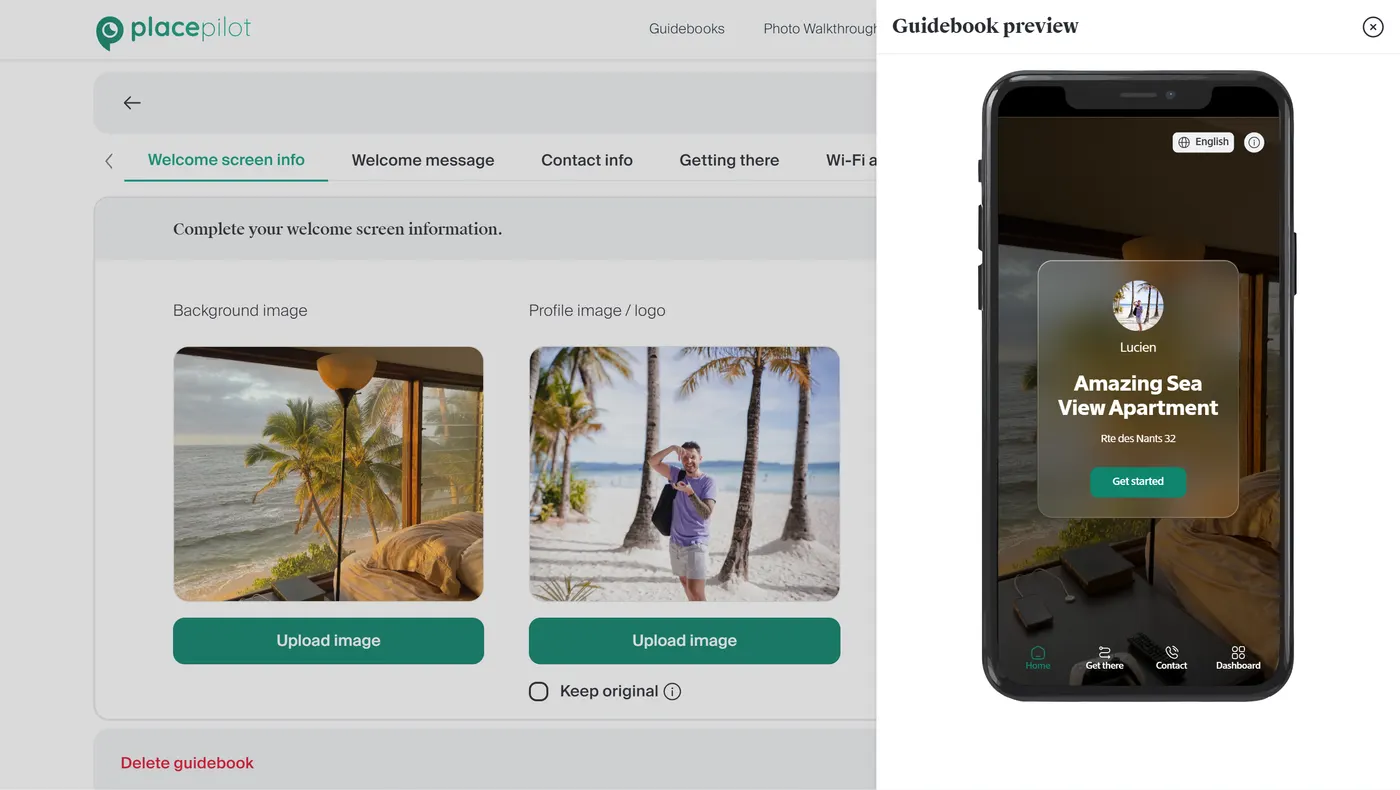
In the welcome screen customization page you can setup the background image that the guests see when first accessing the guidebook.

Additionally, you can also add the logo of your property or a photo of the host.

Expiring links

Expiring Shareable Links

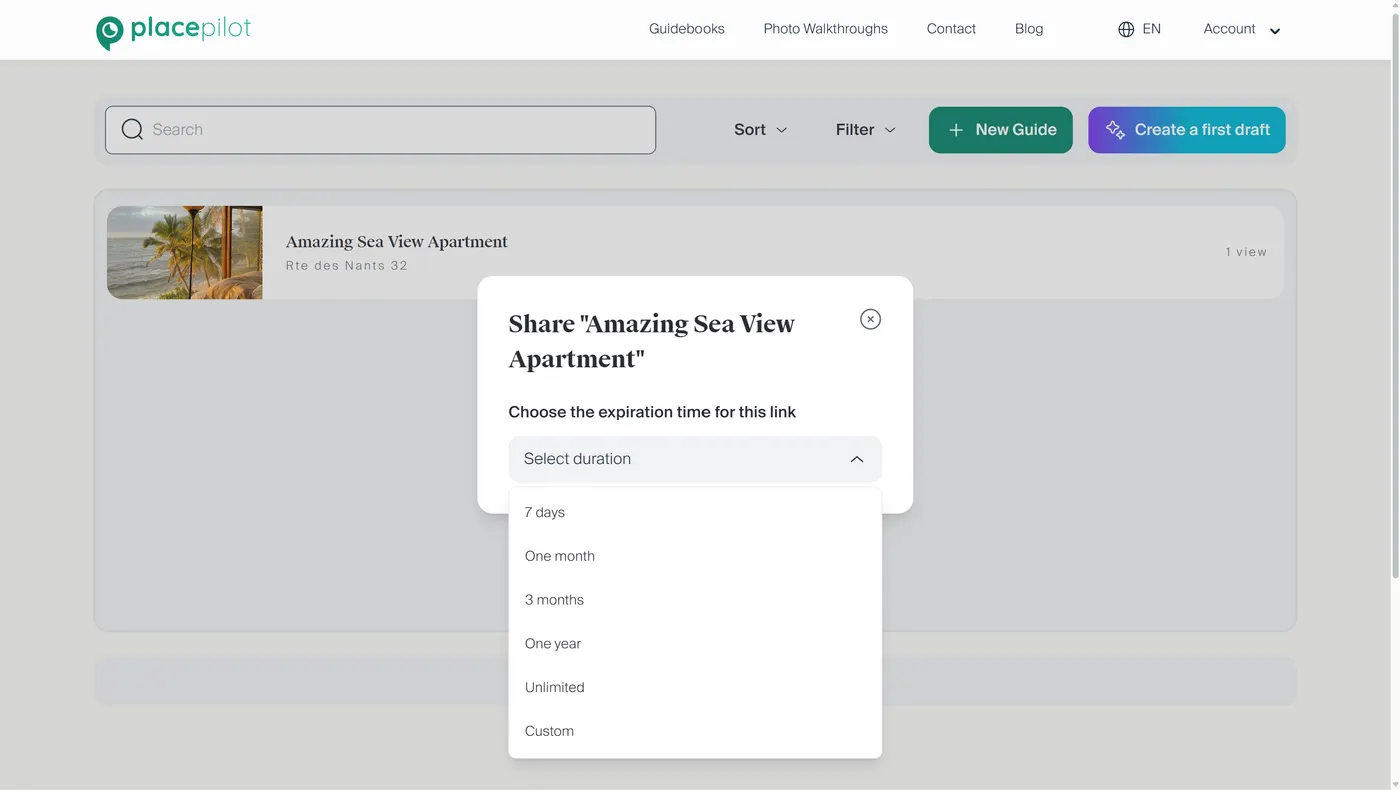
Control access to your guidebooks with expiring links. Once the link expires the guidebook is no longer accessible for viewing.

The link expiration can be in one week, one month, 3 months and one year. Alternatively you can disable this feature by selecting a link that does not expire (Unlimited).

QR code

QR code Creation and Customization

Create QR codes for any guidebook link in seconds.

Customize the appearance of your QR code to match your branding in our editor. Then download, print and place the QR in a visible place in your property.

Real-time views count

Real-time Views Count

The views count is displayed in the main dashboard for each guidebook. See how many times they were opened and watch guest engagement. This helps host see whether your guidebooks are used or not.

Use this metric to improve your placement of QR codes or sharing of your link so your guidebooks are accessed more often.

Explore these features by creating an account

Start free trial
Cookie consent

We use cookies on this website to improve your experience. By clicking "Accept all" you agree to our use of these cookies. You can learn more about our cookie policy.