A Thorough View on Digital Guidebooks
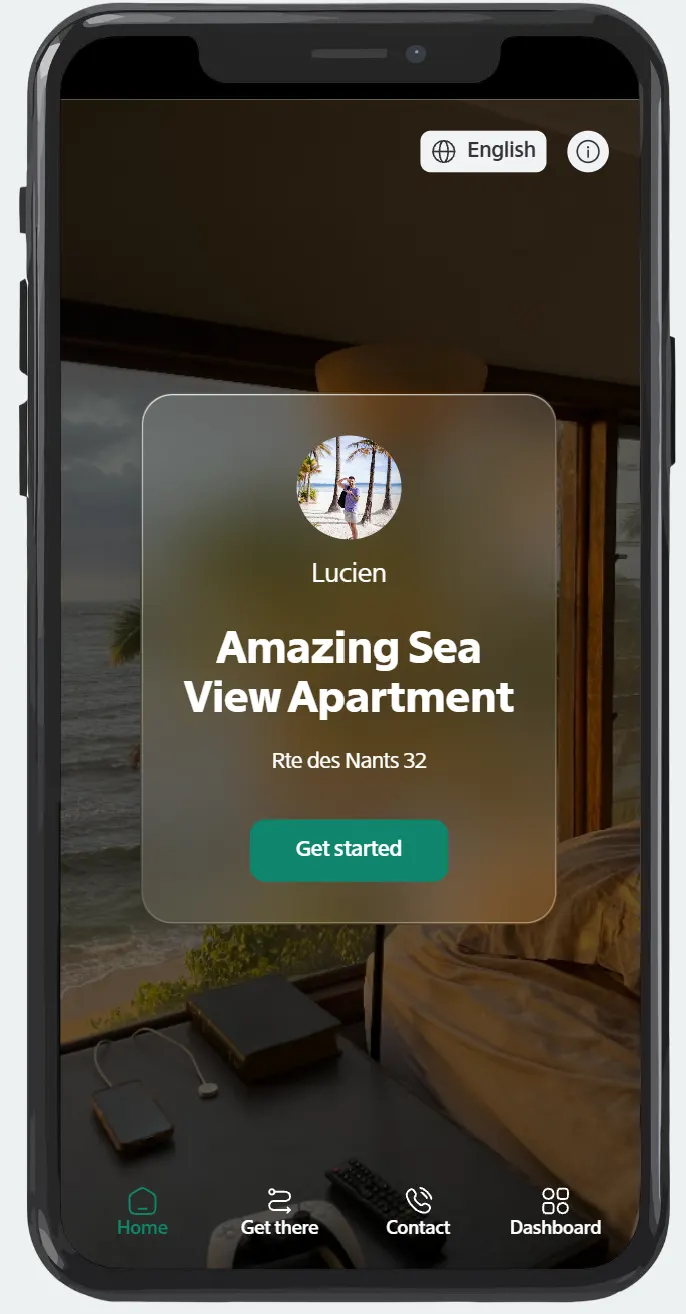
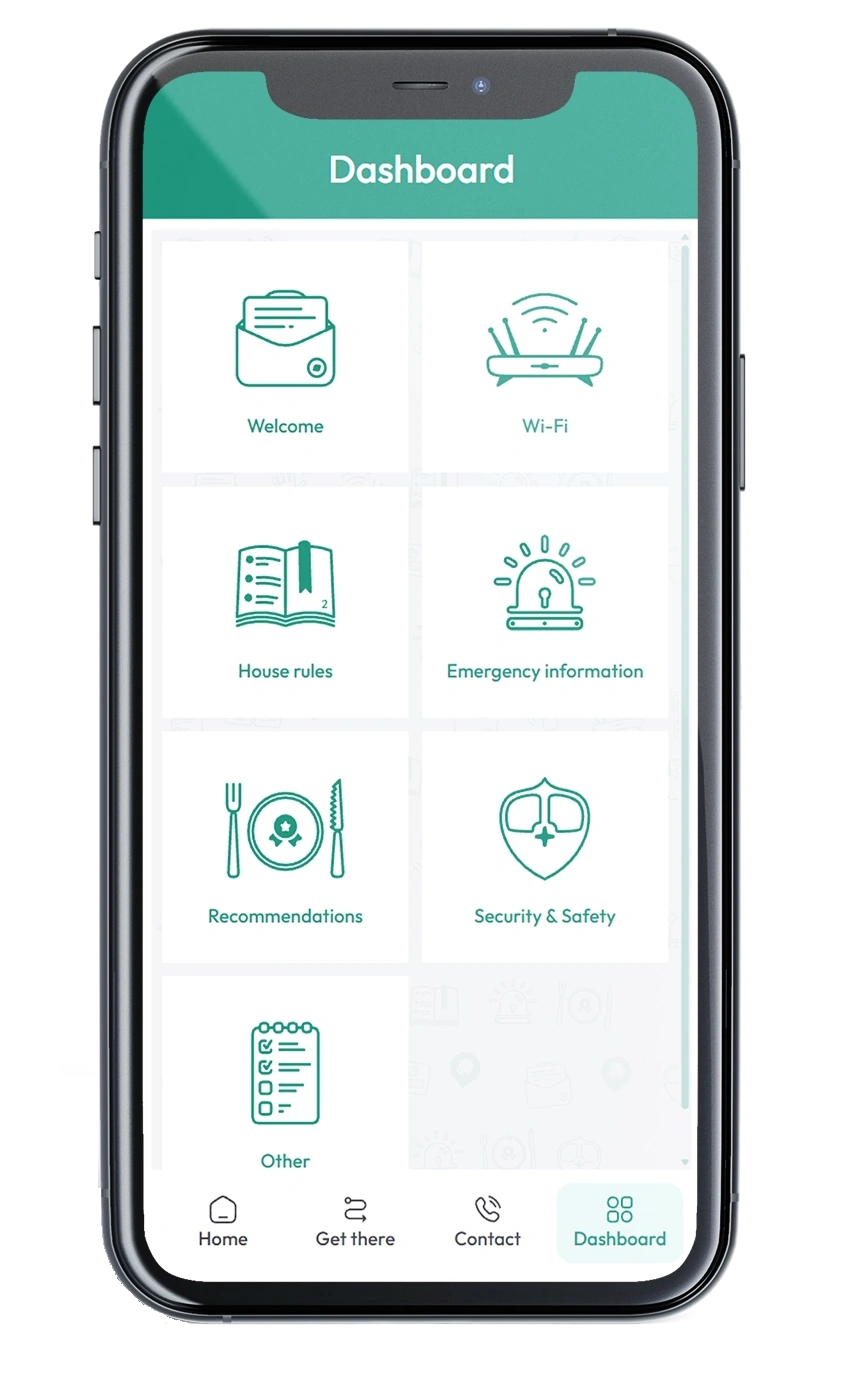
A digital guidebook helps vacation rental hosts or hotels provide guests the information they need in one place. From getting there instructions to local recommendations and other essentials.
It improves the guest experience starting with arrival to checkout. Hosts don't need now to answer the same questions as everything should be inside the guidebook.
Guests expect clear, instant information. A crafted guidebook prevents confusion and helps travelers be welcomed from the start of their stay. For hosts, it means fewer questions and more time to focus on other activities to ensure a great experience for their guests.
What Is a Digital Guidebook?
A digital guidebook is an online welcome guide created specifically for short-term rentals or boutique hotel guests. Compared to printed welcome books that can become outdated, digital guidebooks are mobile-friendly, viewable from any device and easy to share.
Typically, hosts include:
- Check-in and checkout instructions
- WiFi details and house rules
- Emergency information like police or hospital phone numbers and addresses.
- Local restaurant and attraction recommendations
- A QR code placed somewhere visible in their property for more engagement.
Guests don't need to read long text messages or printed materials to find important information as it is all in once place.
Why Hosts Use Them

Hosts or boutique hotels use digital guidebooks to improve communication and create a premium stay experience.
Key benefits include:
- Fewer recurring questions: Hosts can help guests help themselves without contacting them.
- Smoother arrivals: Getting there instructions reduce check-in confusion.
- Better reviews: Guests feel more comfortable and satisfied.
- Explore like locals: Recommendations help guests find the best spots in the area.
- No hassle updates: Information can be edited and updated without reprinting materials.
What to Include in a Digital Guidebook
With digital guidebook hosts can cover all the information guests need most before and during their stay. The guidebook offers information in a well-organized and structured format.
Here are the sections every vacation rental digital guidebook should include:
Check-In & Arrival Instructions
Clear arrival guidance helps guests feel confident from the start. This section should include:
- Property address and getting there instructions or directions.
- Parking information
- Check-in time details
With a smoother arrival and guests in a good mood hosts can make a stronger first impression.
House Rules & Property Guidelines
Setting expectations ensures misunderstandings don't happen and it also protects your property. Include:
- Quiet hours
- Smoking or pet policies
- Trash and recycling instructions
- Checkout information
With the house rules set in place and shared, hosts receive fewer messages.
WiFi & Essential Information
Guests typically ask for this first.
- Wi-Fi network name and password
- Property manager or host contact information
- Health & Safety information (fire extinguisher, exits)
Recommendations
This is where hosts can go above and beyond and elevate the guest experience.
- Top restaurants, bars and cafés
- Grocery stores and pharmacies
- Attractions and activities
- Transportation tips
- Hidden local gems
These recommendations make stays special and often lead to better reviews.
Appliance & Home Instructions
Vacation rentals can have systems that may not be intuitive. Add:
- TV and streaming instructions
- Heating and air conditioning controls
- Kitchen appliance guidance
- Laundry instructions
- Hot tub or pool usage rules
Checkout Information
Provide:
- Checkout time
- Key return or lock instructions
- Trash disposal steps
- Basic cleanup expectations
Why Structure Is Important
When information is well organized, guests don't have to search through printed materials. With a mobile-friendly guidebook accessible throughout the stay hosts reduce repetitive questions and offer a more professional experience.
This allows hosts to focus on their rental's day-to-day activities or staff to focus on what is important to their employer.
Digital Guidebooks vs. Printed Welcome Books
While helpful, printed guidebooks come with limitations and this is where digital guidebooks shine.
Here's how they compare:
| Printed Guidebook | Digital Guidebook |
|---|---|
| Can become outdated quickly | Easy to update anytime |
| May get lost or damaged | Always accessible online |
| Limited space for information | Add as much detail as needed |
| Guests must be inside the property to use it | Guests can access it before arrival or while on the go |
| Hard to personalize for different properties | Easily customized for each listing |
| Cannot refer to other content | Interactive links, maps, and directions |
| Static content | Flexible and editable in real time |
Why More Hosts Are Switching to Digital
As guest expectations increase, convenience and access to information matter more than ever. A digital guidebook ensures guests can find what they need on their phone at any time.
For hosts, this means fewer repetitive questions, smoother stays, and a more professional presentation of their property. See a list of benefits in our article:
 10 Benefits of digital guidebooks for travelers and hosts
The Bottom Line: Printed guidebooks are practical, but digital guidebooks offer the flexibility, accessibility, and convenience that is now required and expected by hosts and guests.
How to Create One for Your Vacation Rental
Creating a digital guidebook is a bit technical, but the process is straightforward when you use the right tools. The goal is to organize important guest information in a clear, mobile-friendly format that can be shared easily before arrival or at your property through QR codes.
Here's a breakdown of the steps necessary:
- Gather Your Property Information
Start by collecting the details guests ask about most often: check-in and checkout instructions, house rules and policies, Wi-Fi credentials, appliance and home system instructions, and emergency and contact information. Having this information ready makes the setup process quick and efficient.
- Add Local Recommendations
Guests value this type of information as they want to find the best spots. Include restaurants, bars and cafés, attractions and activities, transportation tips.
- Organize Information Clearly
A good digital guidebook is easy to navigate and information searchable. Details should be structured into sections so guests can find what they need fast.
- Make It Accessible on Any Device
Guests should be able to open the guidebook on their phone, tablet, or computer without downloading an app or creating an account.
- Keep It Updated
One of the main advantages of a digital guidebook is flexibility. If check-in procedures change or you discover a new local recommendation, updates can be made without the need to print materials.
Using a Dedicated Digital Guidebook Tool
Many hosts choose platforms designed specifically for digital guidebooks. These tools help organize property details, structure recommendations, and share the guide with guests through a simple link or QR code.